Q1: Does the SLS Smart Fan Switch support stepless speed control or fixed levels?
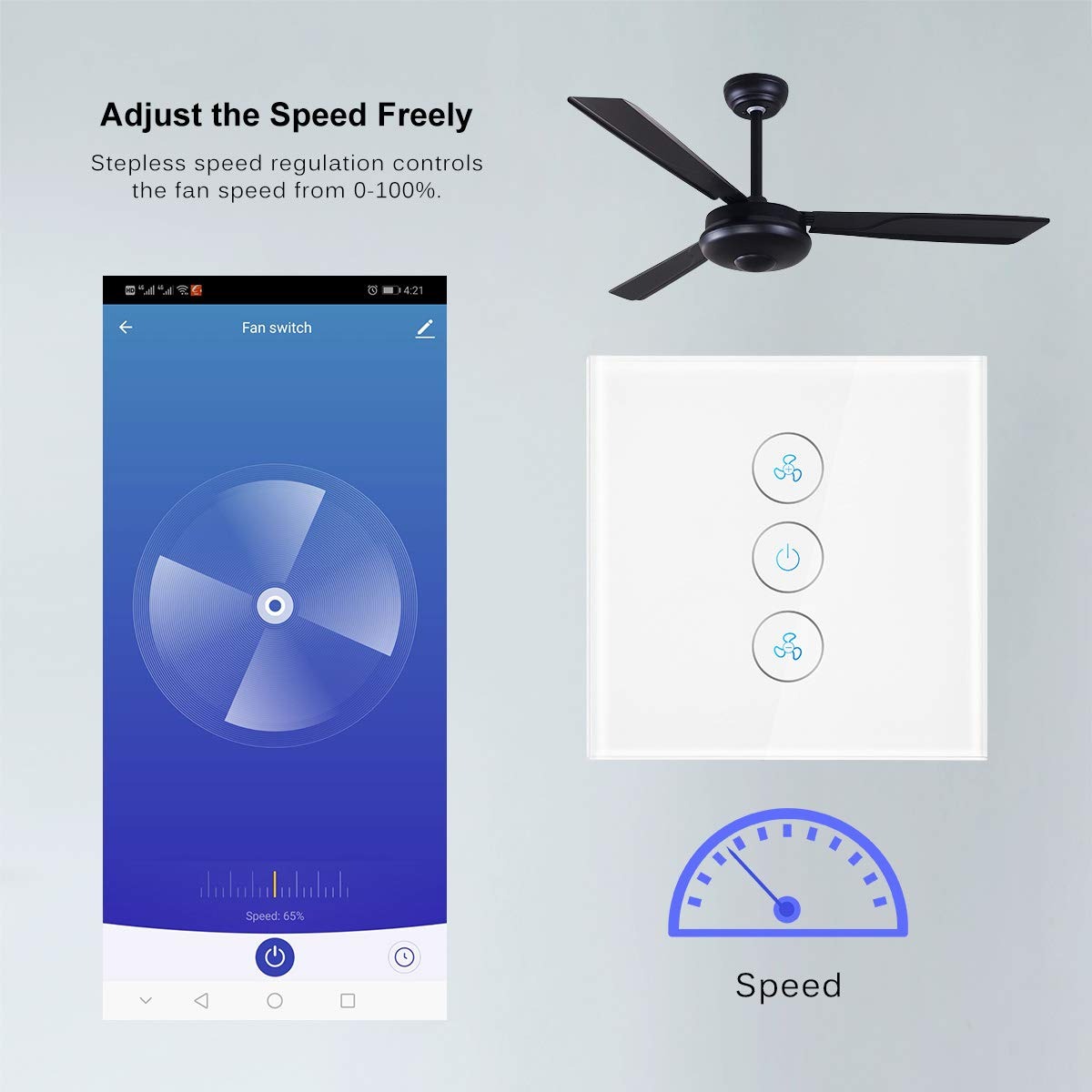
A1: The SLS Smart Fan Switch provides precise multi-level speed adjustment. You can smoothly control the fan speed from 0% to 100% via the touch panel, the "Smart Life" App, or voice commands, ensuring you find the perfect airflow for your comfort.
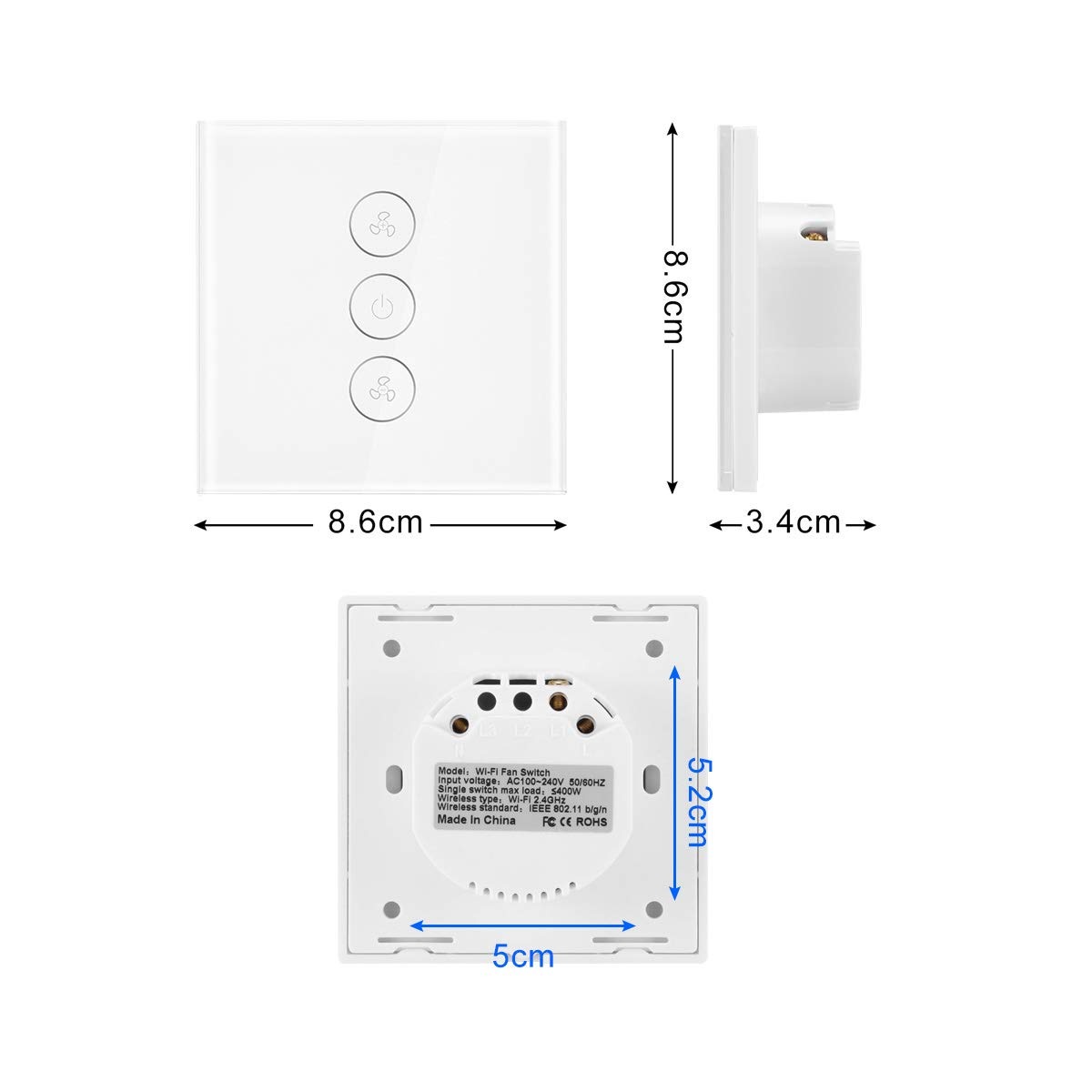
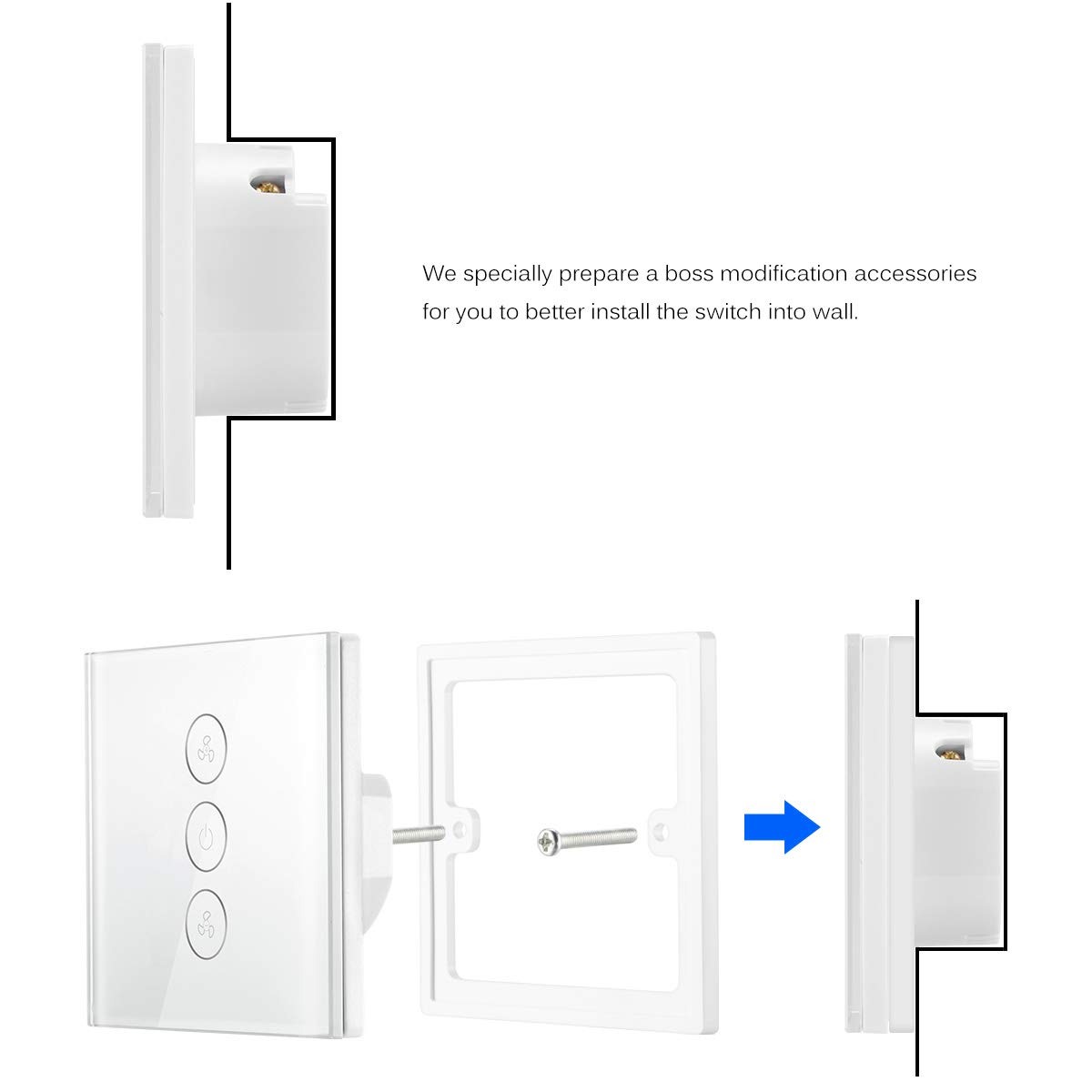
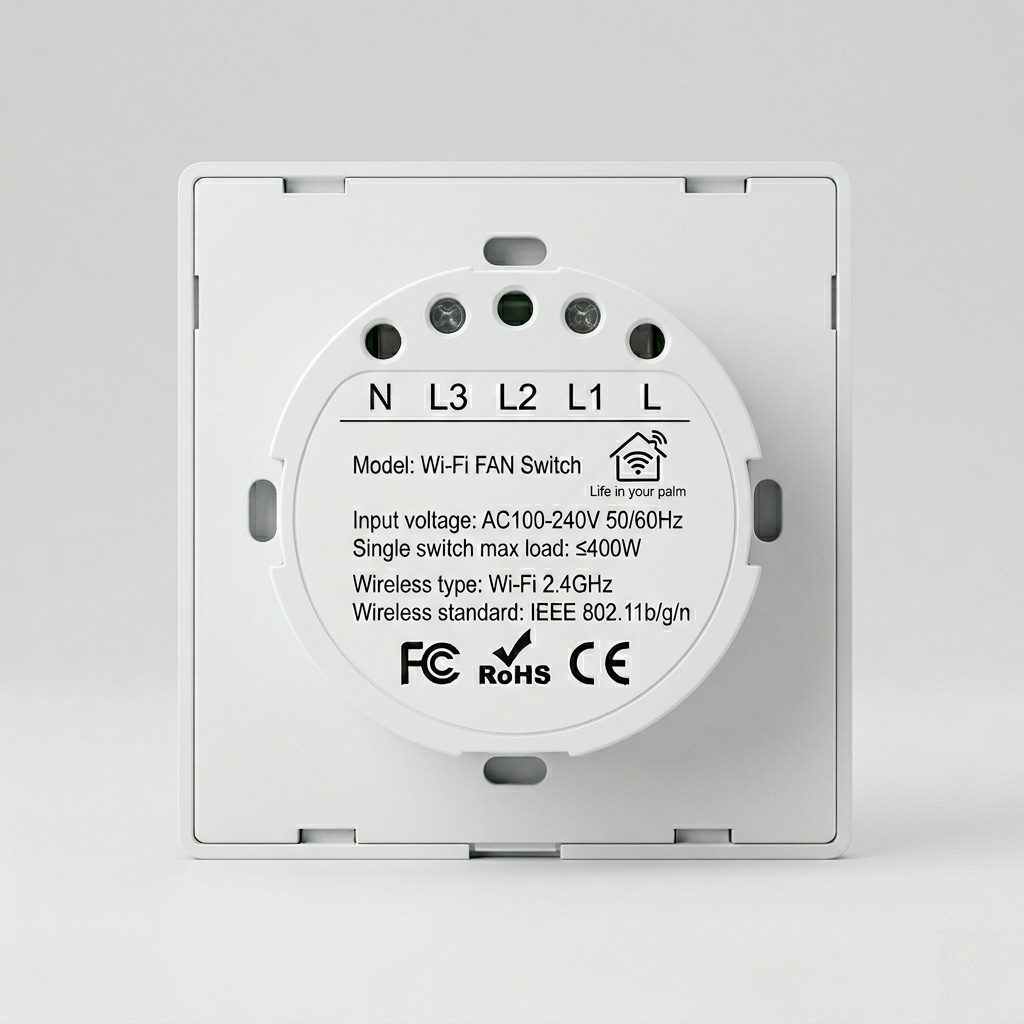
Q2: Is a neutral wire required for the installation of this EU standard switch?
A2: Yes, this model requires a Neutral wire for installation. Most modern European homes have a neutral wire in the switch box. If your house was built with a single-wire system, please consult a professional electrician for a wiring check.
Q3: Can I control my fan and light separately with this switch?
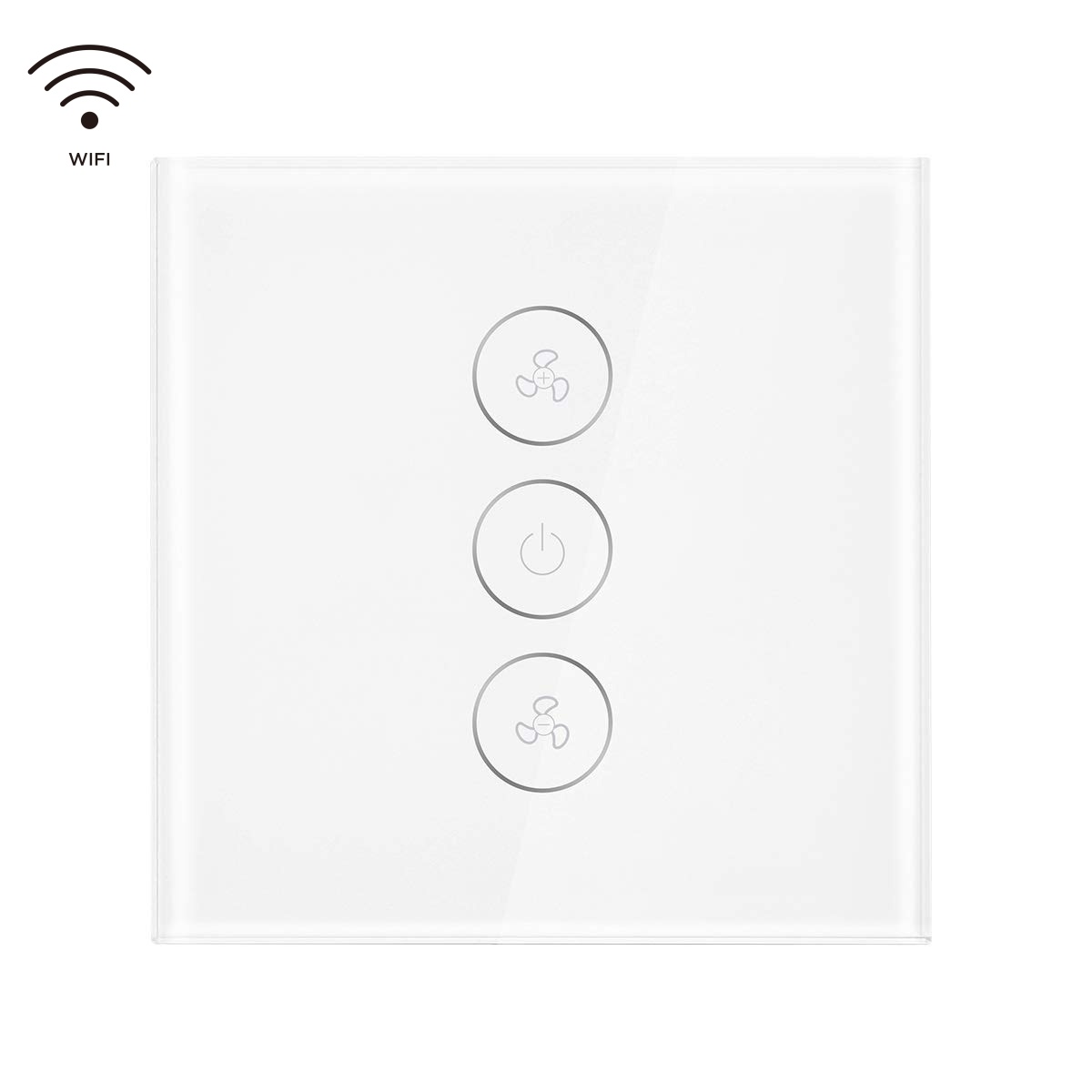
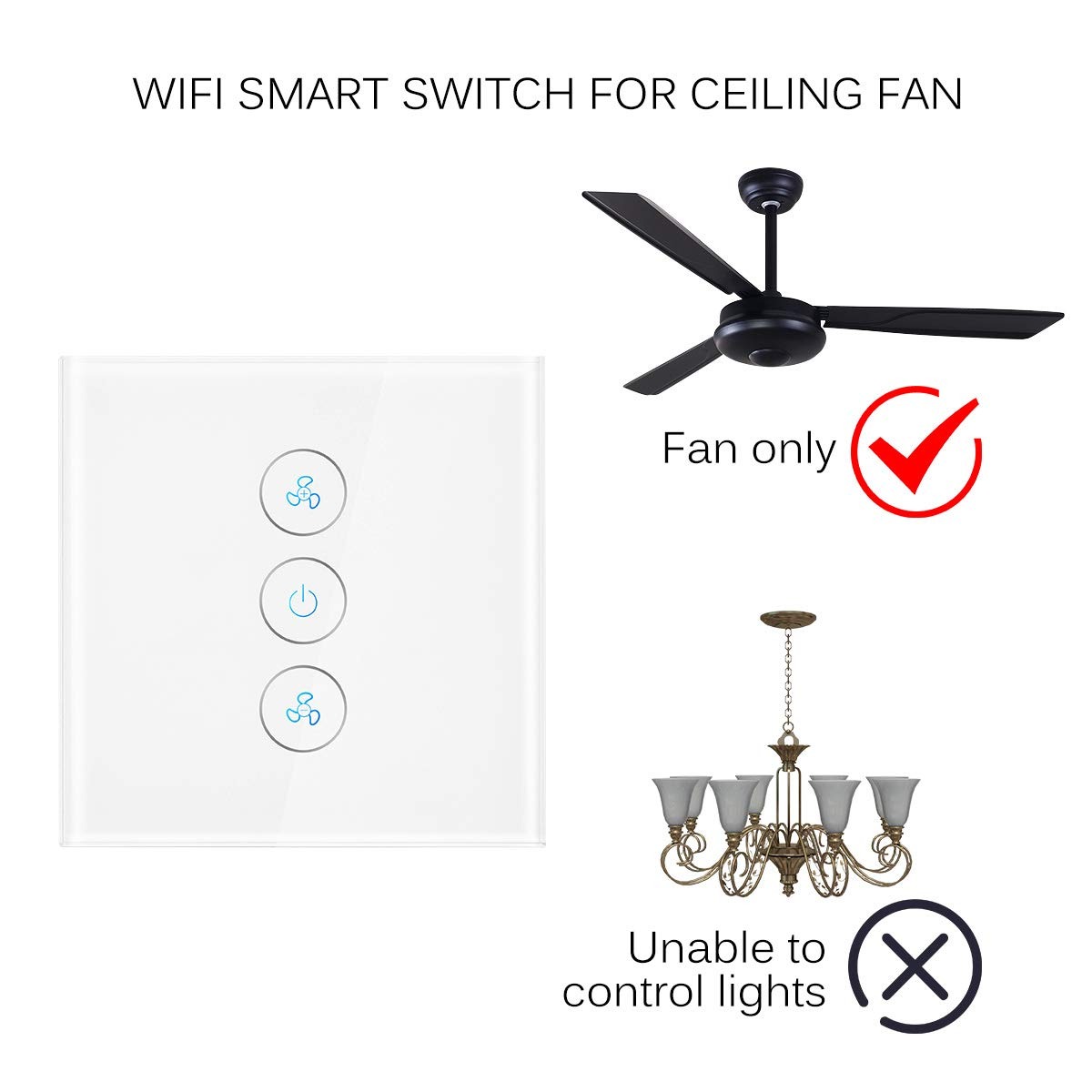
A3: This specific model is a dedicated Smart Fan Speed Controller. If your ceiling fan has a light kit, this switch will control the fan motor's speed. For integrated fan-light control, we recommend using this in conjunction with our SLS Smart Light Switch series.
Q4: Is it compatible with DC motor fans or fans with remote controls?
A4: This switch is designed for standard AC motor ceiling fans. It is generally not compatible with DC motor fans or fans that have a pre-installed proprietary remote control system, as those have their own internal frequency controllers.
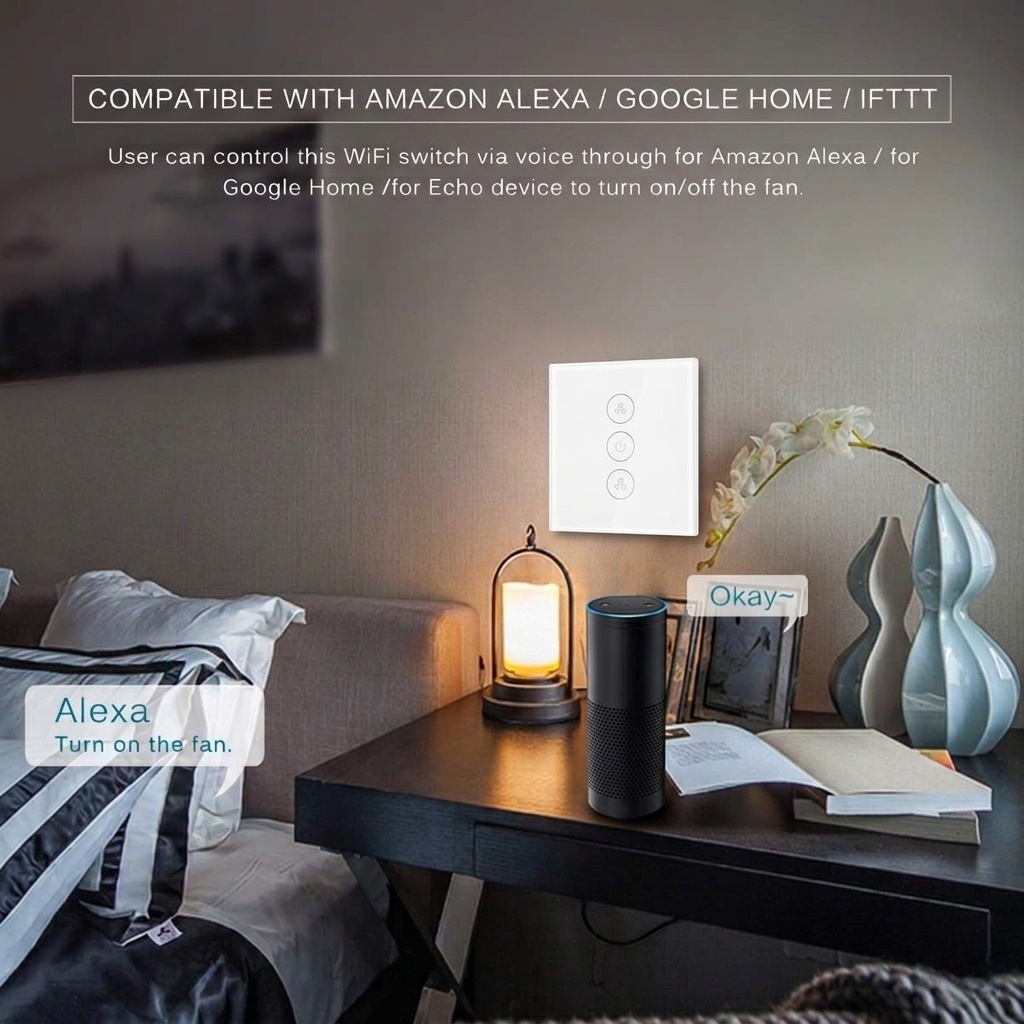
Q5: How does the SLS Smart Fan Switch integrate with Alexa and Google Home?
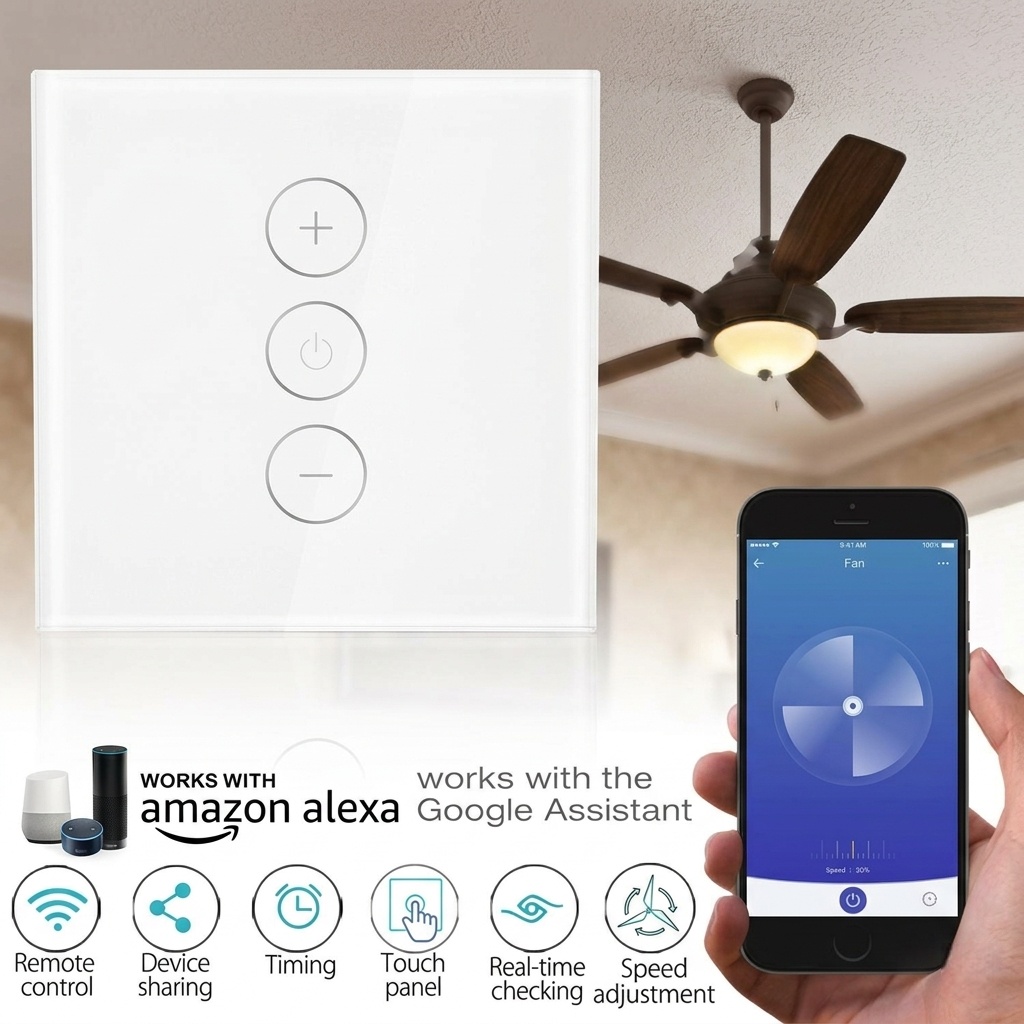
A5: Integration is seamless. Once connected to the Tuya or Smart Life App, simply enable the skill in your Alexa or Google Home App. You can then use commands like "Alexa, turn on the bedroom fan" or "Hey Google, set the fan to 60%."
Q6: What should I do if the fan makes a humming noise after installation?
A6: Humming is often caused by using a switch with a fan that isn't compatible with electronic dimming. Ensure your fan motor is a standard AC induction motor. Our SLS switch uses high-quality components to minimize electronic noise and provide a silent operation experience.
Q7: Can I set a schedule for the fan to turn off at night?
A7: Yes, the App features a robust "Timer" and "Schedule" function. You can automate the fan to turn off at a specific time (e.g., 2:00 AM) or create "Smart Scenes" where the fan adjusts speed based on the local temperature.
Q8: Does the switch panel feature a backlight for visibility at night?
A8: Yes, the SLS switch features a soft LED backlight on the touch button so you can easily find it in the dark. The backlight status can also be customized or turned off via the App settings to avoid disturbing your sleep.